
How it works and what it offers
Search, data extraction and export in one panel. Summary of features below.
Location and category search
Search by city, district or coordinates. Narrow results with categories like restaurant, hotel, store.
Detailed business data
Name, address, phone, website, rating, review count and opening hours extracted in one go.
Bulk and multi search
Queue multiple locations or categories. Collect thousands of results with automatic pagination.
CSV and Excel export
Download data as CSV or Excel instantly. Columns compatible with CRM and spreadsheets.
Fast scraping
Large lists in a short time with parallel processing. Hundreds of business records in minutes.
Map area selection
Draw a region or set a radius to collect all results in that area.
How is the email address found?
Find professional emails by name and domain, verify them, and enrich your lists.
Find email by name and domain
Enter person name and company domain to find professional email. e.g. first.last@company.com formats are generated automatically.
Email verification
Found addresses are verified in real time. Invalid or risky addresses are flagged; your bounce rate drops.
Bulk search
Upload hundreds of names and domains from CSV or Excel. Process the whole list at once and download results.
Profile enrichment
Optional: add title, company, LinkedIn and social profile info along with email.
Company domain suggestion
When you enter only the company name, possible web domains are suggested. Search for email with the right domain.
Export and integration
Download results as CSV/Excel or use directly with CRM, outreach tools and API.
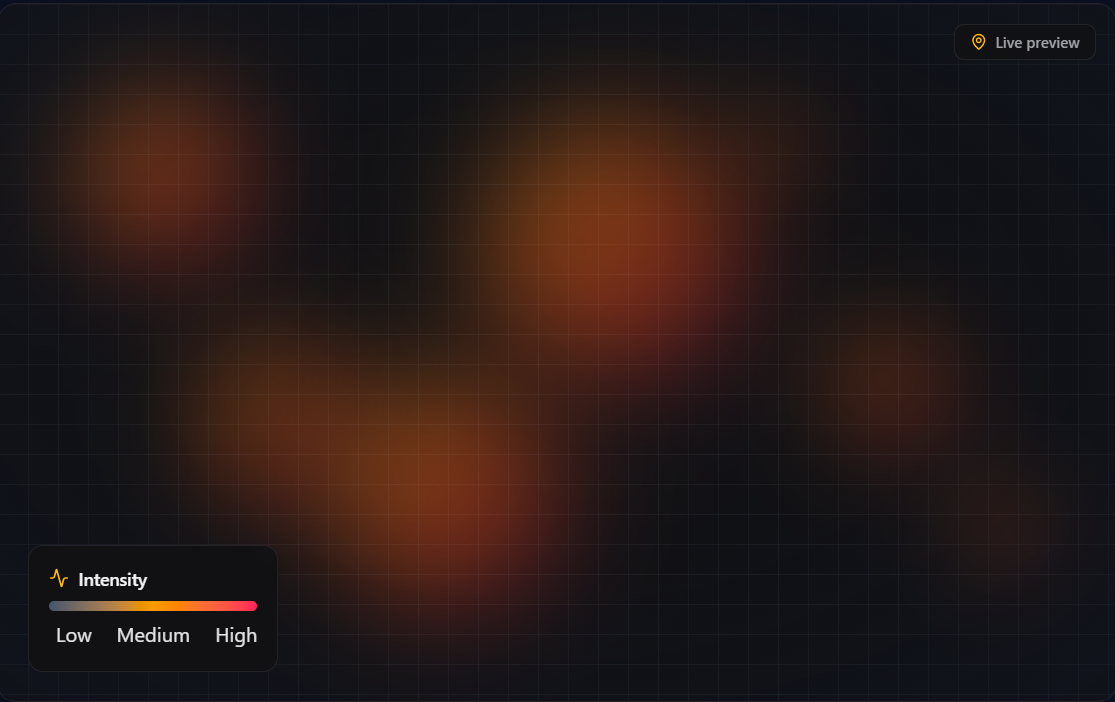
See your data on the map
Analyze click, traffic, or engagement density with a heatmap.
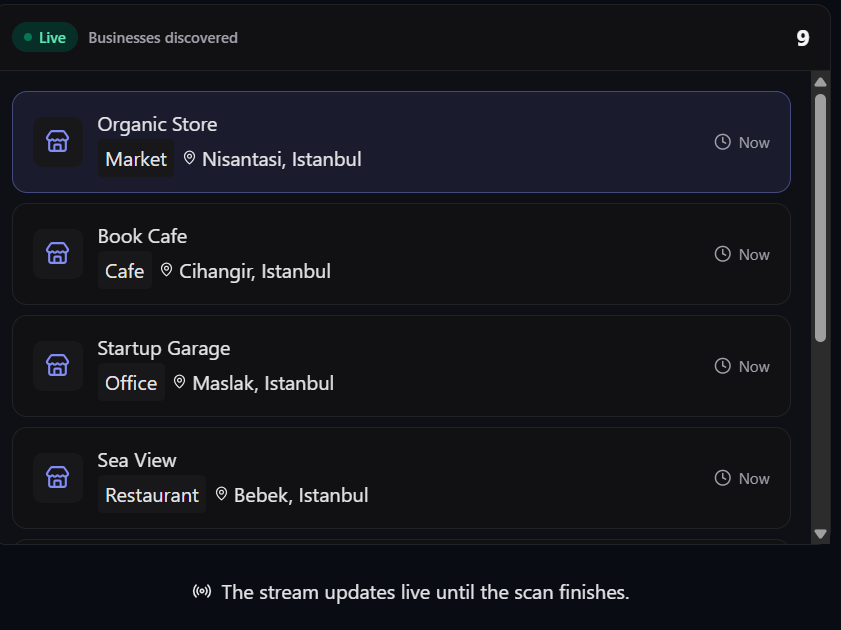
Turn Google Maps data into target lists, emails, and market insight
MapTargeter unifies Google Maps Scraper, Email Finder, and heatmap-based market analysis in one dashboard. Search, enrich, and export to CRM in a single flow.
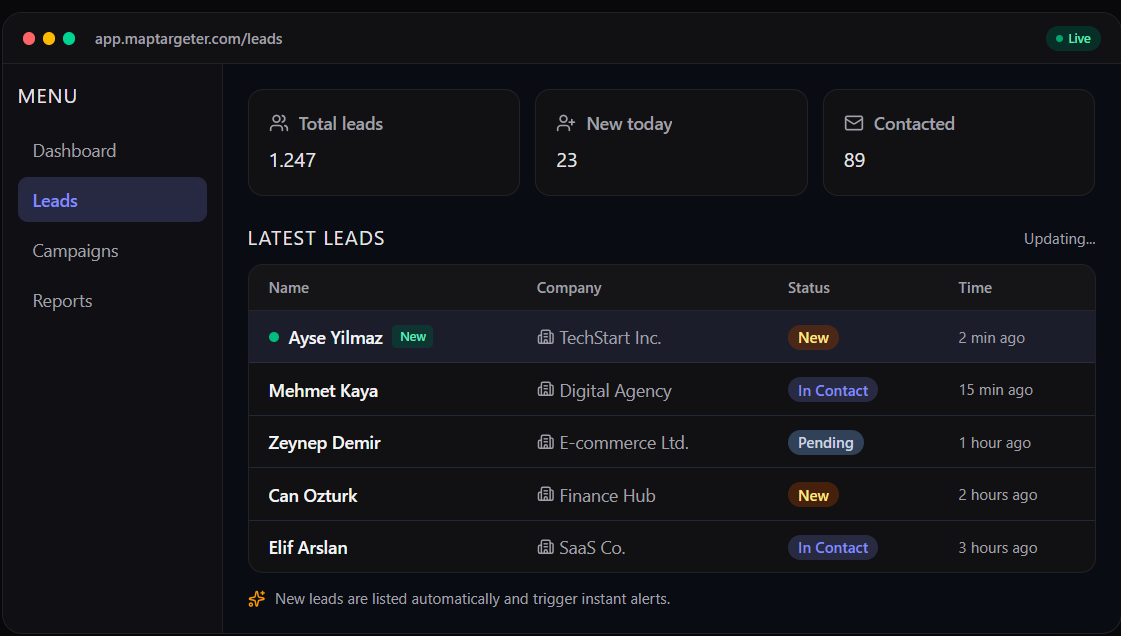
Lead discovery in one panel
Captured leads are listed instantly. Filter by status, company, and timestamp.